
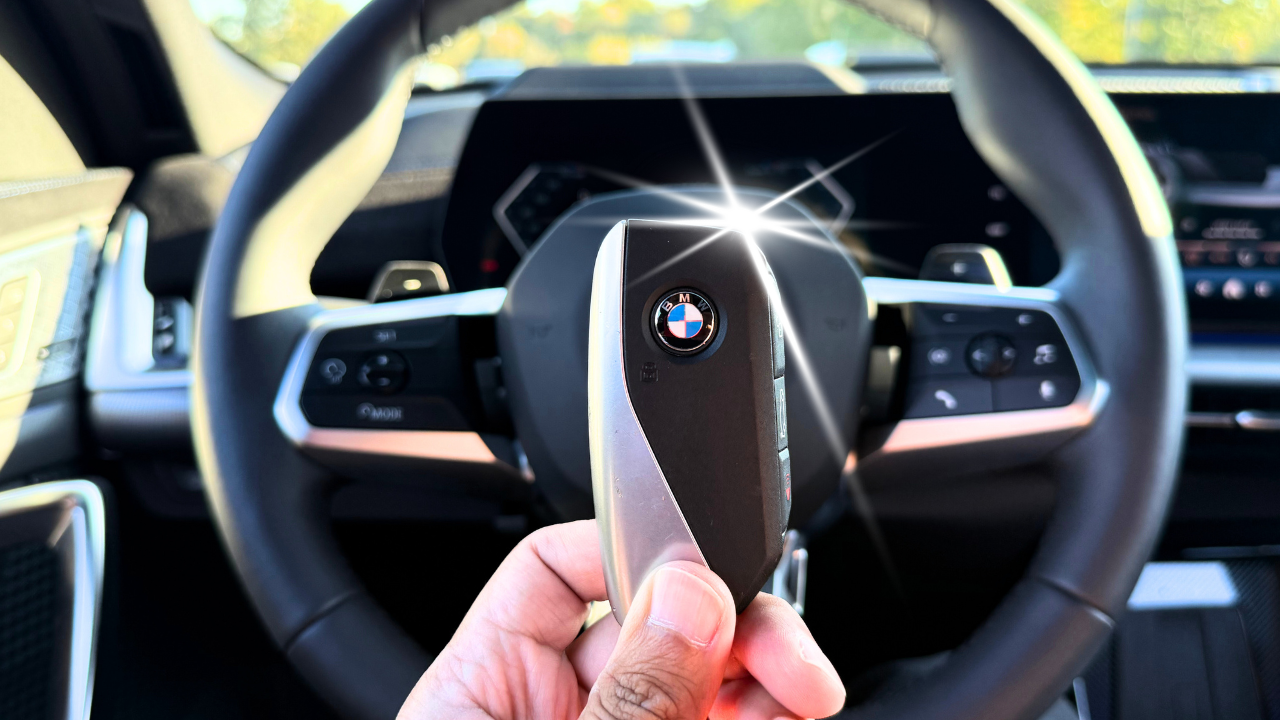
What's in it?
Years: 2025–2026
- 50+ easy lessons
- Set up your phone, BMW ID & keys
- Feel at home in the cockpit
- Discover useful hidden features
- Guidance for YOUR equipment
- Learn at your pace. Find answers fast.
“Crazy that I didn’t know my car had all these features!”
Haley Dorn
How will I learn?
- Watch selected demonstrations of real X3 controls.
- Follow written steps for setup and everyday use.
- Try features fitted to YOUR X3 at your own pace.
- Find the right lesson when you need a quick answer.
- Build your personal setup and return for a refresher.
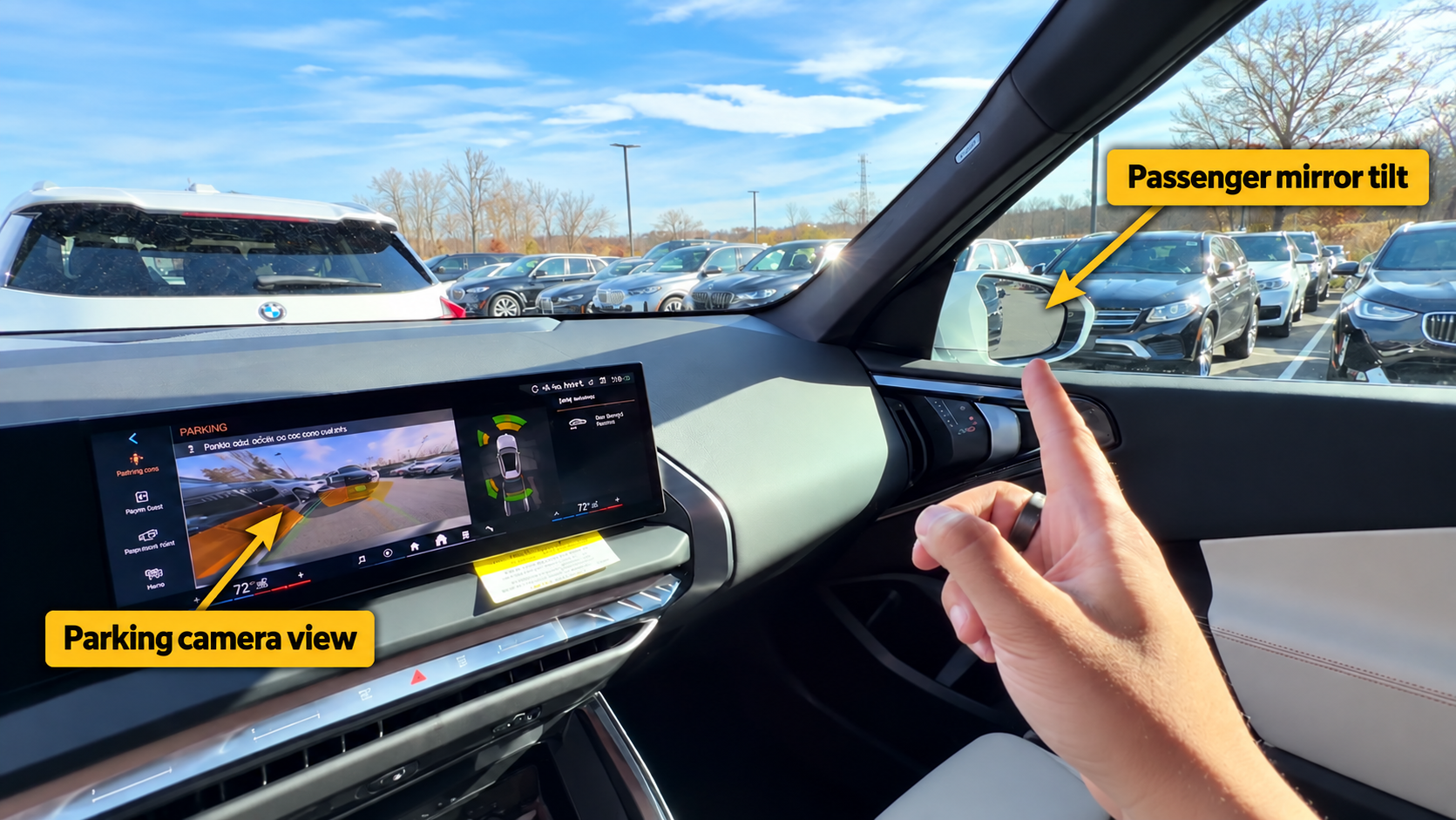
What are the lessons?
(Check out the free lesson previews below)
- Driver’s Door Controls & Mirrors (6:22)
- Seat Setup (3:39)
- Steering-Wheel Buttons (14:04)
- Voice Commands
- Instrument Cluster (9:34)
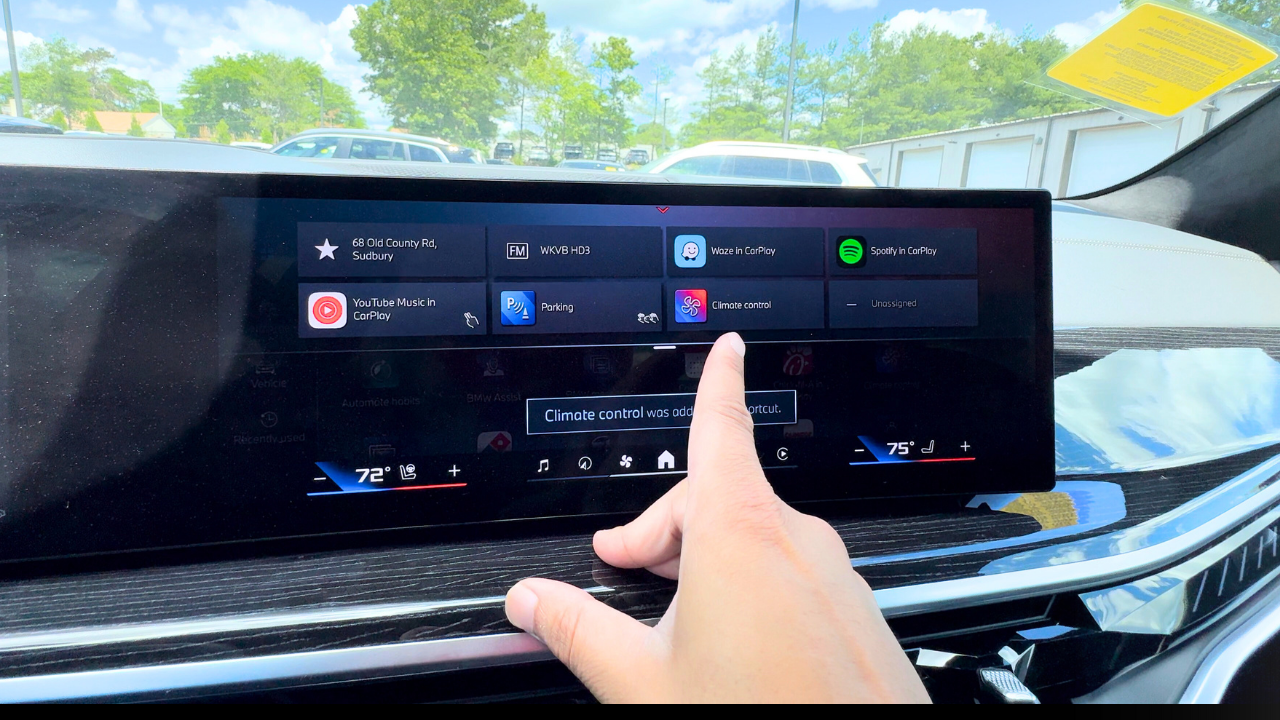
- Main Screen / iDrive & Home Screen (10:15)
- Music & Radio
- Navigation
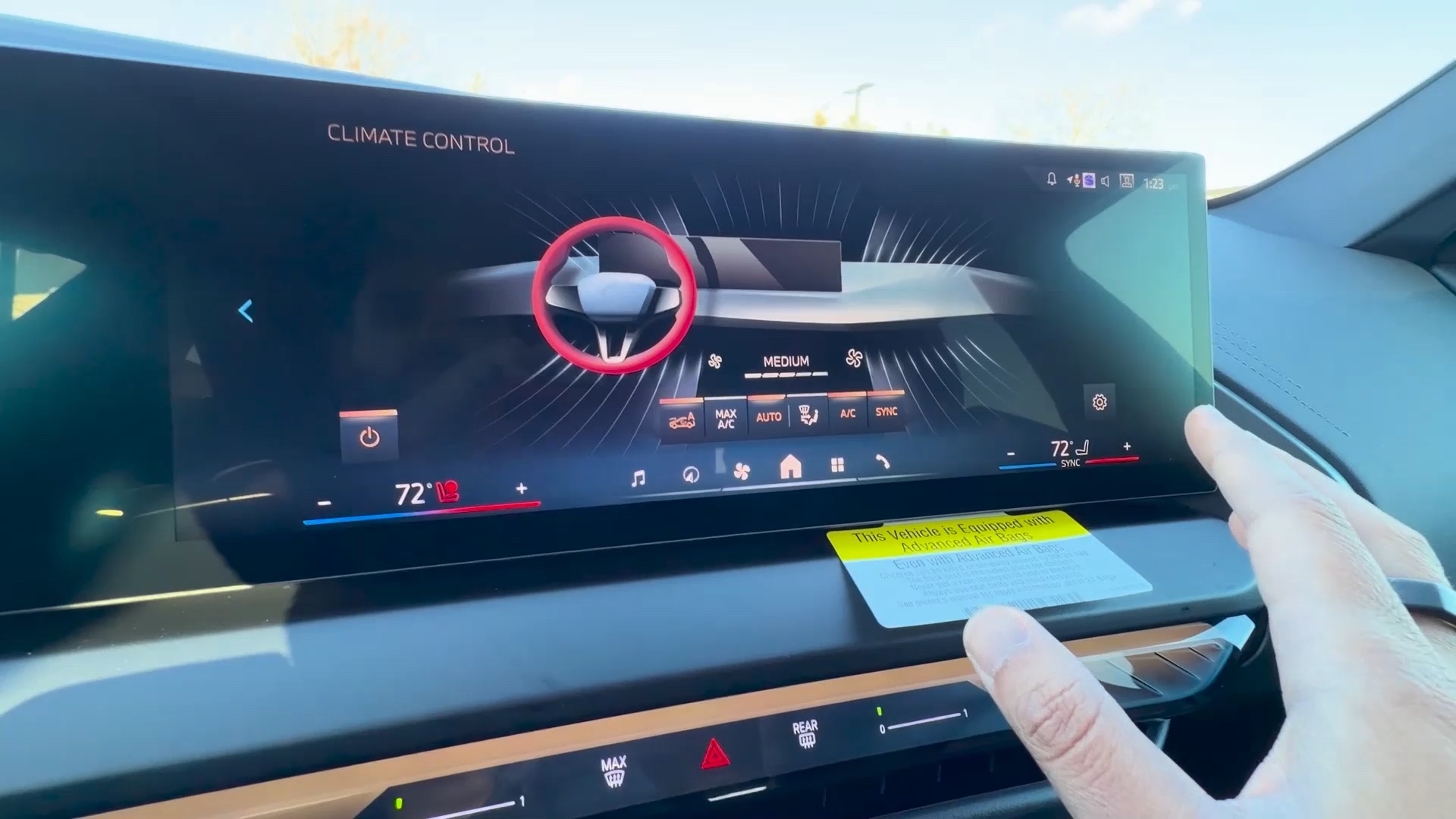
- Climate Control (6:18)
- Phone & Connected Devices
- Settings Breakdown (27:44)
- Center Console (14:32)
- Ceiling Controls (6:32)
- Refueling & the Correct Fuel
- Tire Pressure
- Wipers & Washer Fluid
- Engine Oil & Coolant Basics
- Car-Wash Preparation & Routine Care
- Vehicle Status, Service Reminders & Warning Messages
- Phone & Bluetooth Problems
- App, Digital Key & Key-Card Problems
- Missing Features & Menus
- Software Updates
- When the Car Won't Go: First Safe Steps
- Jump-Starting Your BMW
- Removing Personal Data
“Dude. You are a lifesaver. Thank you so much.”
Adam Ballantyne
What will I learn?
370+ features, settings and tips. 70+ shortcuts and tricks.
- Set up your phone, BMW ID and keys.
- Feel confident with parking, climate and everyday controls.
- Find clear answers in one place when you need them.
“One of the BEST videos I ever seen on this site. Thanks”
Hector Toro
Why do I need this?
You already love your X3. Discover what else it can do.
Learn what the controls do and how to make them work for you. Feel more confident, find useful conveniences and spend less time hunting for answers.
“Great vid, thank you for speaking fast and getting to all the tips and tricks!”
C Peu6
Good questions.
Can’t I just watch free videos?
You can. X3 Mastery organizes model-relevant guidance in one place, so you spend less time searching and comparing other BMWs. Follow clear steps and selected demonstrations for YOUR equipment.
What about my digital owner’s manual?
Use it as the authority for your car. The course adds practical explanations, selected demonstrations and everyday ownership help you can work through at your pace.
I already know the basics. What will I get out of this?
Go straight to useful hidden features, setup choices and controls you may have overlooked. Pick the lessons relevant to YOUR X3—equipment, software and active services affect what’s available.
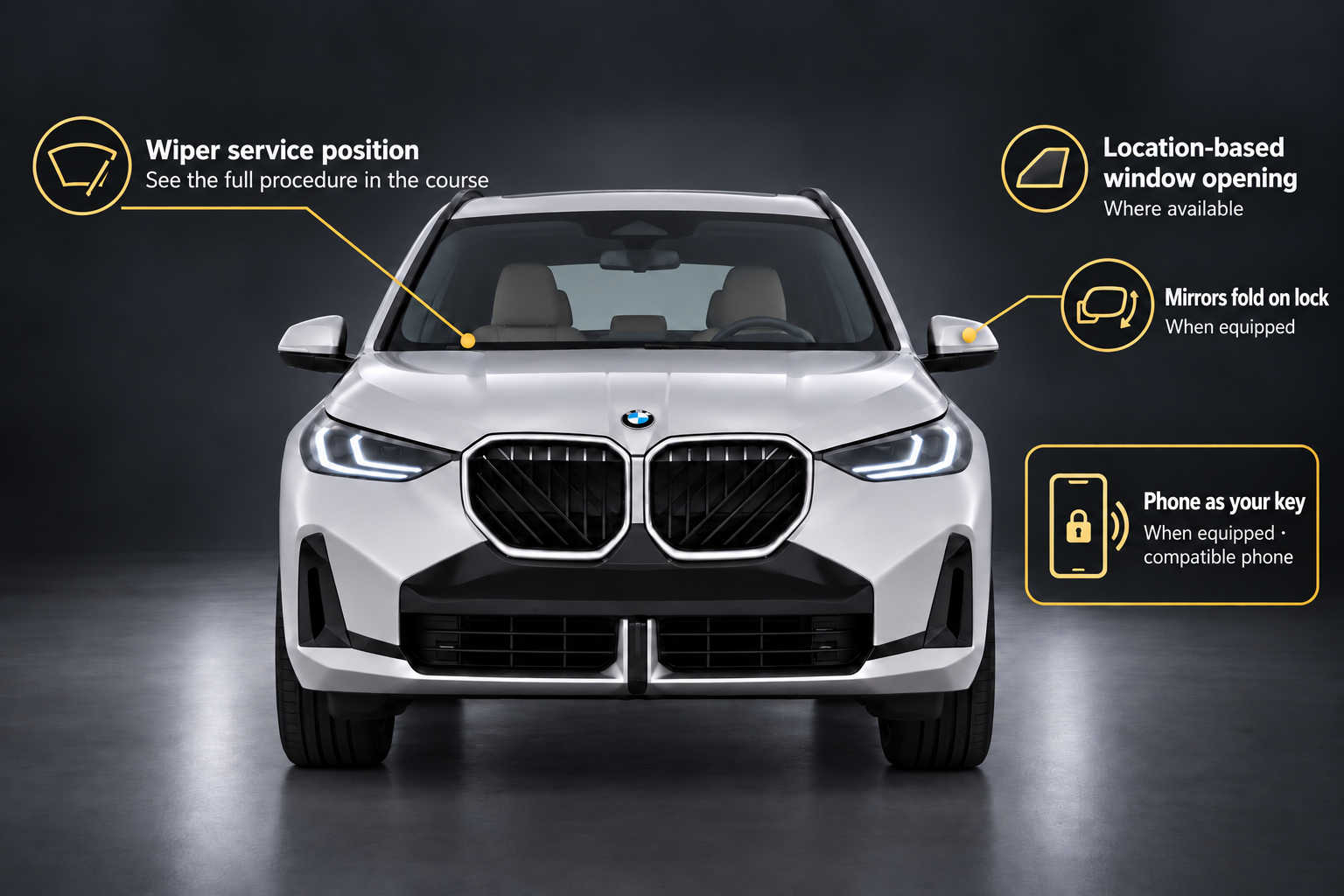
A few features to explore.
- Phone-key setup with a compatible phone.
- Mirror-folding settings.
- Location-based window opening.
- Wiper service-position procedure.
Follow the full course procedures.
“Excellent video. I recently bought a new BMW so will try out some of these features, which I didn't know about all of them.”
Shizen Japan
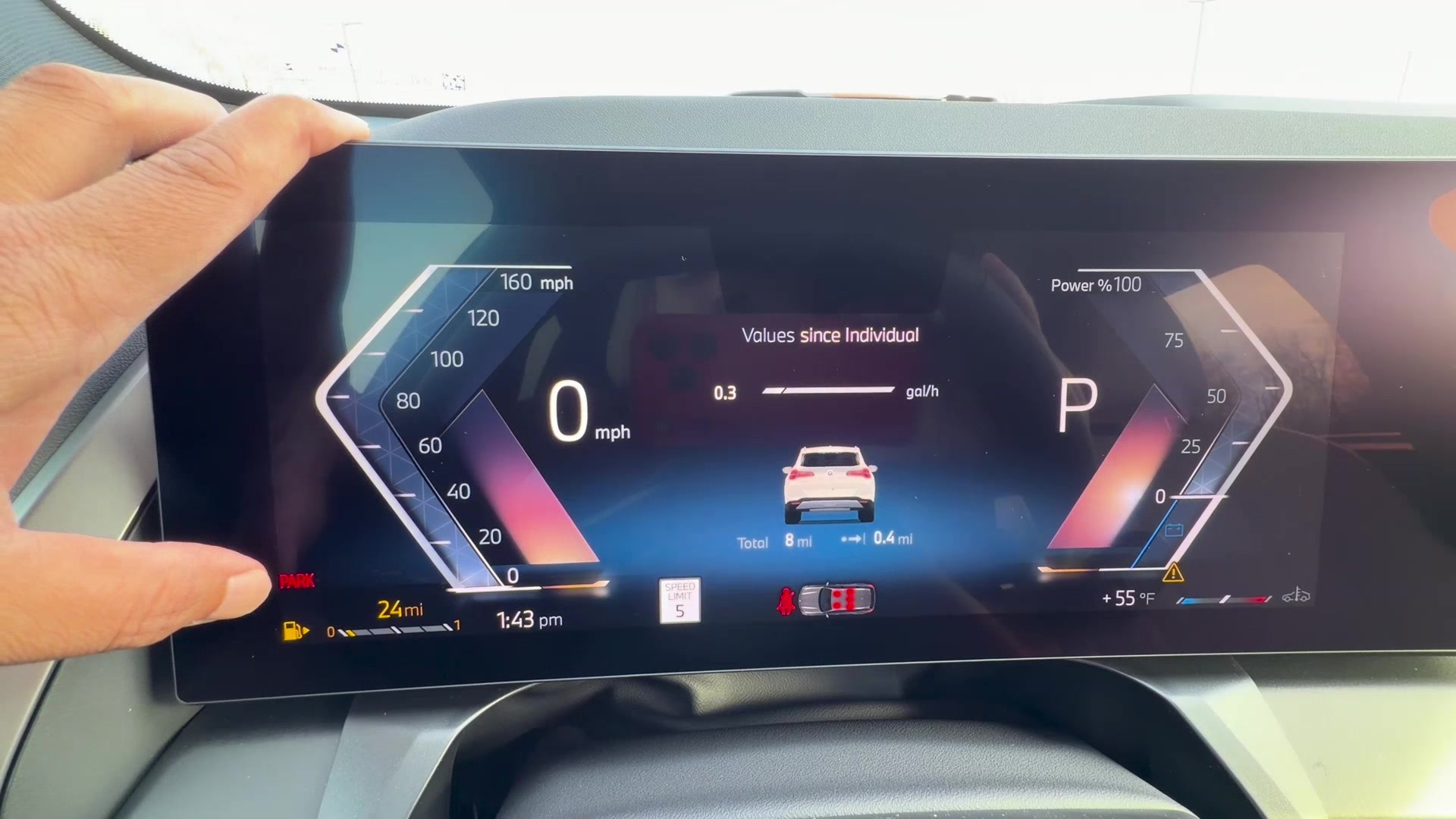
Fully Unlock the BMW YOU Chose.
Less time figuring it out. More confidence enjoying YOUR X3.
Start now. Try one useful setup or shortcut on your next drive.
Independent BeamerView course. Not affiliated with or endorsed by BMW.
“You have the best BMW tutorials! I took your course and listened to all your tutorials. You have taught me everything I need to know regarding my BMW. I want to thank you so much! You are the Best!”
Ginny DeSimone
Want 20% off X3 Mastery?
Sign up for the code by email, plus BMW tips and occasional course offers. The code is limited to 10 total redemptions.